TermCap
TermCap records Unix terminal sessions as asciicast v2 streams and renders them as standalone SVG animations or GIF files. Capture, replay, templates, and media export share one timeline, making the tool useful for project demos, operational tutorials, and reproducible command-line sessions.
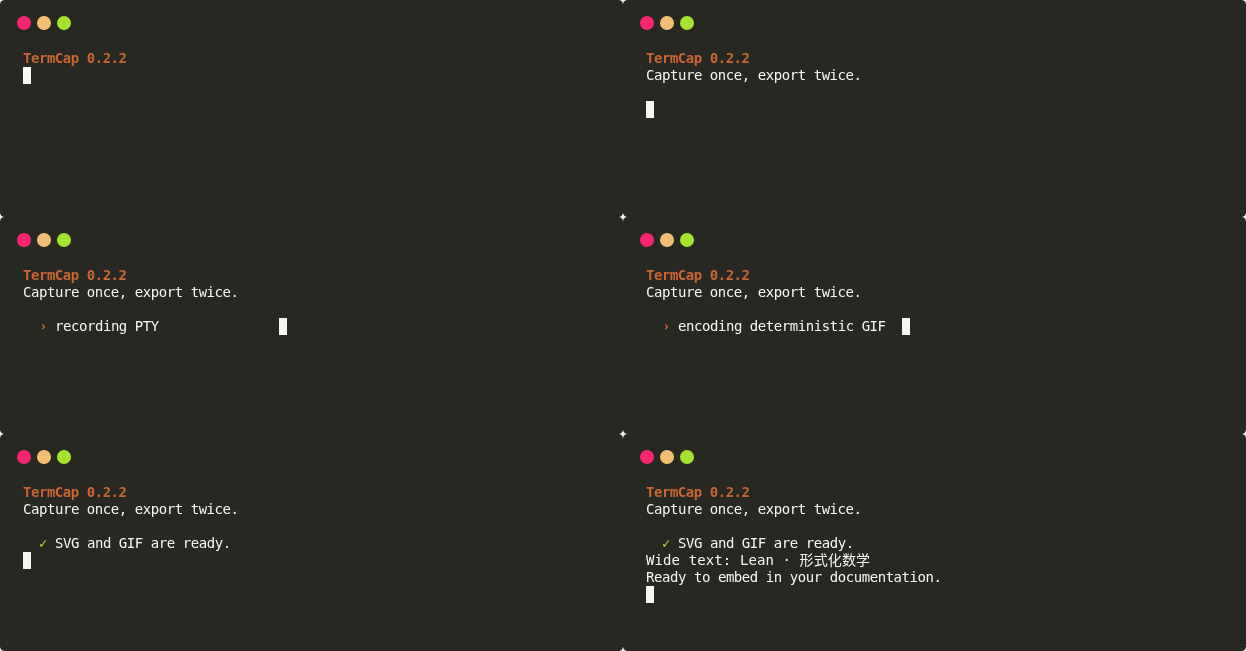
View the matching SVG and complete generation commands
-
Capture a terminal
Record ANSI output, colors, cursor state, and terminal geometry inside a PTY and write an asciinema-compatible
.castfile. -
Render SVG
Rebuild terminal state with
pyteand emit a lightweight scalable animation with discrete CSS keyframes. -
Export GIF
Freeze exact keyframes in Chrome and correct the viewport before capture to avoid clipped frames, black frames, and duplicate sampling.
-
Templates and themes
Use 16 built-in templates or customize colors, fonts, window chrome, and scripts.
Choose by goal
| Goal | Recommended command | Read next |
|---|---|---|
| Capture an interactive shell | termcap record demo.cast -g 80x20 | Quick start |
| Capture one command | termcap record demo.cast -c "python demo.py" | Capture and rendering |
| Run and capture like a wrapper | termcap exec --media-output demo.svg -- python demo.py | Quick start |
| Convert CAST to SVG | termcap render demo.cast demo.svg | CAST → SVG |
| Convert CAST directly to GIF | termcap render demo.cast demo.gif --format gif | CAST → GIF |
| Convert an existing SVG to GIF | termcap svg2gif demo.svg demo.gif | SVG → GIF |
| Inspect every command | termcap | CLI tree |
Shortest workflow
pip install termcap
termcap record demo.cast -g 80x20
termcap render demo.cast demo.svg
termcap render demo.cast demo.gif --format gif
Control blank space
Output dimensions come from the recorded terminal geometry. Use -g 80x12 or another compact size for short demos. TermCap does not automatically remove valid terminal rows because full-screen programs and earlier frames may use them.
Current capabilities
- asciicast v2 capture and replay
execwrapper for running the original command, saving CAST, optionally rendering SVG/GIF, and propagating the exit code- ChatEnv
termcapconfig type for managing default execution-environment entries such asTERMCAP_EXEC_ENV_SCRIPTS - ANSI/256-color, wide-character, cursor, and text-style rendering
- template-based SVG animations and still SVG frames
- CAST → GIF and SVG → GIF
- keyframe-first sampling, GIF timing quantization, and speed control
- packaged built-in templates that work from an installed wheel
See the capability map for implemented boundaries and explicit non-goals.