Examples
The examples are split into two groups: a reproducible SVG/GIF quick-start example generated by the current release, and a historical SVG gallery that demonstrates template capabilities.
From commands to SVG and GIF
The assets below are captured from the real quickstart_demo.py program. It exercises ANSI colors, carriage-return updates, and CJK wide characters. A compact 72x8 terminal geometry keeps the result suitable for README and documentation pages.
Run from a repository checkout:
git clone https://github.com/ChatArch/TermCap.git
cd TermCap
python -m pip install -e .

termcap record quickstart.cast -g 72x8 \
  -c "python3 docs/examples/quickstart_demo.py"

mkdir -p docs/assets/examples
termcap render quickstart.cast \
  docs/assets/examples/quickstart.svg \
  -t window_frame
termcap svg2gif \
  docs/assets/examples/quickstart.svg \
  docs/assets/examples/quickstart.gif \
  --loop 0
SVG animation
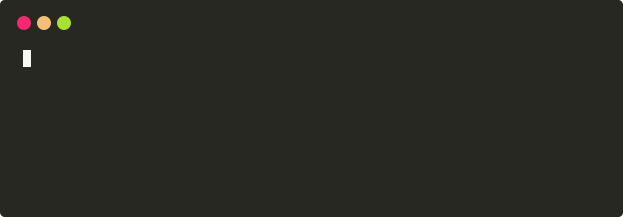
Scalable output that preserves text and discrete CSS keyframes.
GIF export
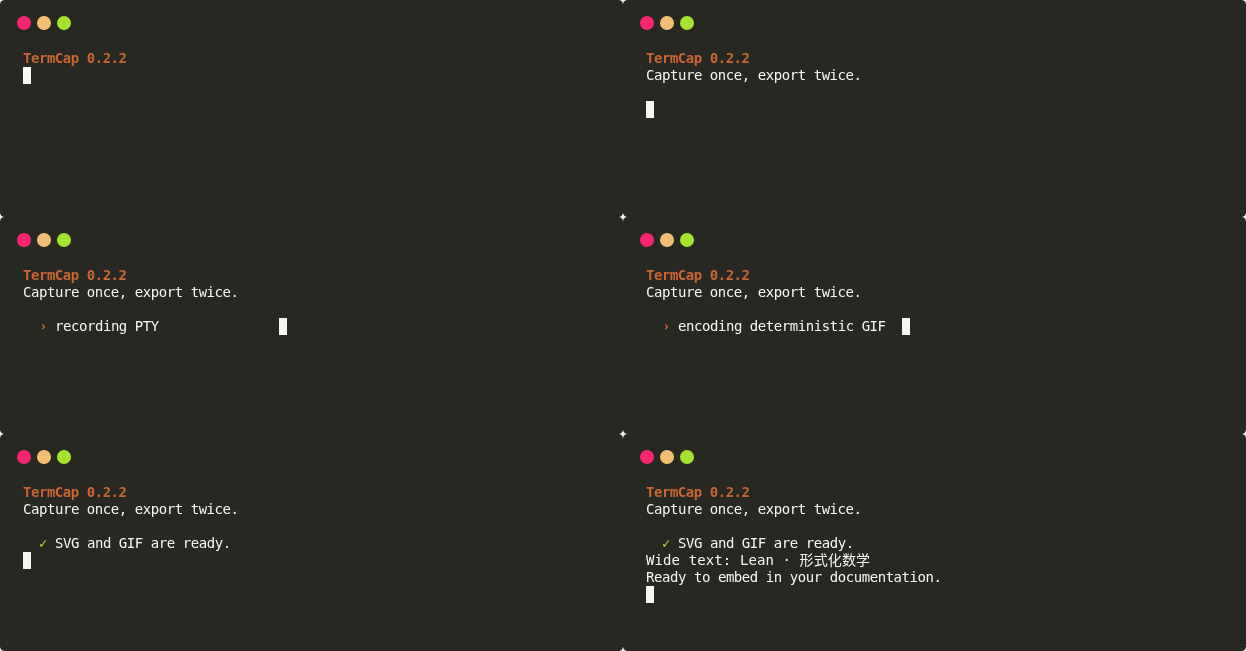
Deterministically sampled from the same SVG timeline for pages that cannot play animated SVG.
The expected output size is 623x217; the current GIF has 9 encoded frames and lasts about 3.16s. The intermediate .cast file is a build input and is not committed as a documentation asset.
Exec wrapper example
termcap exec is useful when one command run should become replayable evidence:
termcap exec -g 96x16 \
  -o termcap-exec-demo.cast \
  --media-output docs/assets/examples/termcap-exec.svg \
  -- bash scripts/termcap_exec_demo.sh
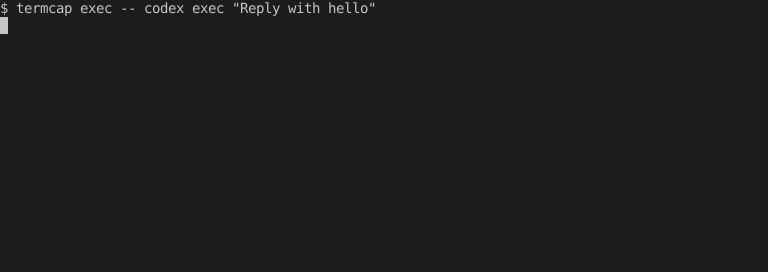
This command does not replace a real permission sandbox. Its job is to run the original command in a PTY, preserve the output timeline, render media, and pass the child exit code back to the outer workflow.
Template gallery
TermCap command-line session (window_frame_js)

Color support (progress_bar)

htop (gjm8)

IPython session (window_frame)

Python unittest session (solarized_dark)
