Quick Start
-
Interactive capture
Enter a child shell, run multiple commands, and finish with
exitor ++ctrl+d++. -
Single-command capture
Use
-cfor scripts, tests, or one-shot commands. Capture ends when the command exits. -
Command-wrapper capture
Use
termcap exec -- <command>as a sandbox-like wrapper that runs the command and saves CAST/SVG/GIF output. -
Media export
Render one
.castfile as SVG, GIF, or a directory of still SVG frames.
Install
TermCap supports Linux, macOS, and BSD and requires Python 3.10 or newer. GIF export also needs a working Google Chrome installation; TermCap prepares and caches ChromeDriver on first use.
See the complete result first
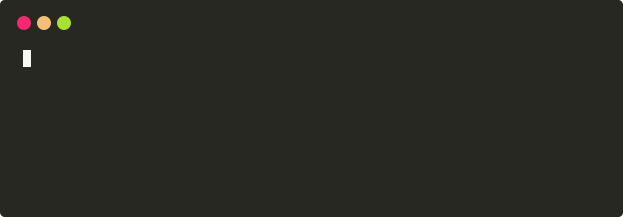
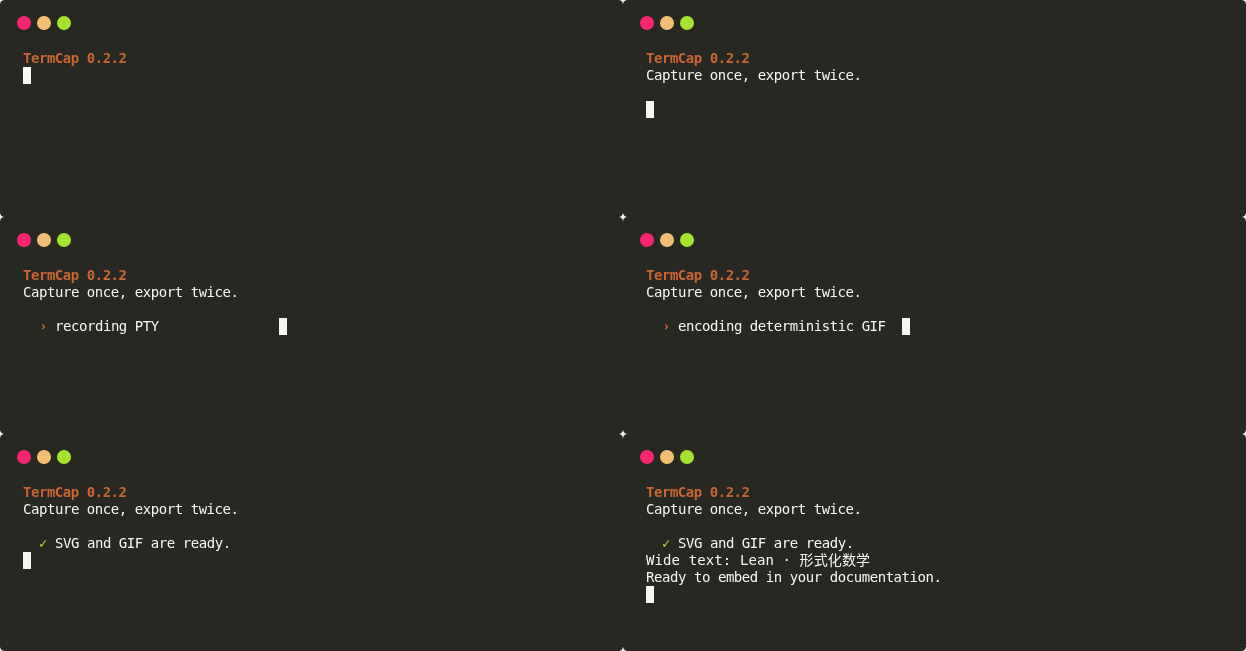
Both images come from the same terminal recording. TermCap first produces a scalable animated SVG, then exports the GIF deterministically from the same timeline.
SVG animation
GIF export
See the generator script and complete commands
Capture a terminal
Interactive shell
Run commands normally inside the child shell, then finish with:
One command
Command mode keeps reading the PTY until the child exits and drains buffered output, including short-lived commands.
Command-wrapper capture
When you want TermCap to sit in front of the original command like codex exec or a sandbox wrapper, use exec:
termcap exec -g 96x16 \
  -o hello.cast \
  --media-output hello.svg \
  -- python3 -c 'print("hello from termcap exec")'
exec runs the command after --, saves the .cast, and renders SVG/GIF when --media-output or --render is provided. The child exit code becomes the termcap exec exit code, so CI and agent pipelines can still detect failures.
Default execution environment entry
TermCap is part of the Chat series, so the default execution environment is managed through ChatEnv. Installing TermCap registers a termcap config type; put scripts that must be sourced into the ChatEnv active profile:
chatenv init -t termcap
chatenv set TERMCAP_EXEC_ENV_SCRIPTS='~/.nvm/nvm.sh:~/.local/bin/team-env.sh'
TERMCAP_EXEC_ENV_SCRIPTS uses the system path separator; on Linux/macOS this is :. For a legacy single-entry setting, use TERMCAP_EXEC_ENV_SCRIPT.
TermCap also keeps a ChatArch convention entry point that works without editing ChatEnv:
termcap exec sources exec-env.sh first, then sorted exec-env.d/*.sh files. Disable default environment loading for one run with:
For one-off scripts, repeat --env-script:
For multi-step flows, put the steps in a script and capture the script entry point:
The script can control sleep intervals, checkpoints, and commands. TermCap records the real PTY behavior; it does not claim extra process isolation or permission sandboxing.
Replay a CAST
termcap replay demo.cast
termcap replay demo.cast --speed 2
termcap replay demo.cast --idle-time-limit 2
Render SVG
Choose a template:
Write independent still frames:
Export GIF
Convert CAST directly to GIF:
Convert an existing SVG:
Change playback speed and looping:
When a TermCap SVG exposes discrete terminal keyframes, --fps does not create duplicate frames. It is used only as a fallback for generic SVG animations without recognizable keyframes.